
AI Visibility
AI Visibility Score Explained
What the number means, how it is built from four weighted pillars, and how to move it up over time.
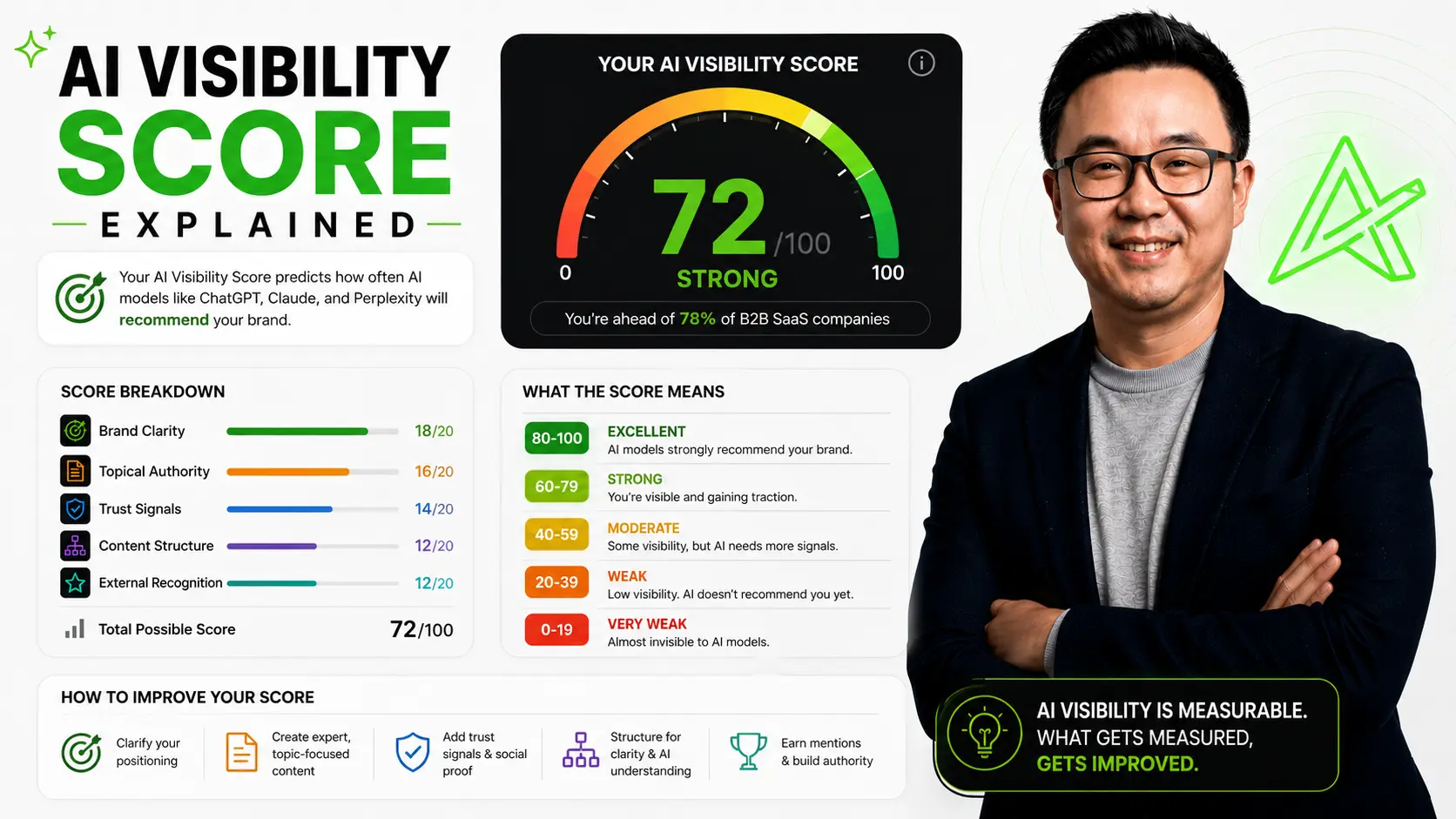
A number from zero to one hundred, built from four weighted pillars and thirty-two checks.
Quick answer
The AI Visibility Score is a number from zero to one hundred. It shows how well AI engines can understand, trust, and recommend you. AudFlo measures it across four weighted pillars and thirty-two checks: Technical Visibility (20%), Structural Understanding (30%), Answer Selection (30%), and Authority Signals (20%). The score falls into four bands. Zero to forty-four is invisible. Forty-five to sixty-four is below recommendable. Sixty-five to seventy-nine is approaching. Eighty and up is recommended. Because AI answers are inconsistent, the score is a probability lever, not a guarantee. It points you to the gaps that cost you the most, so you fix those first.
What the score measures
The AI Visibility Score is a number from zero to one hundred. It shows how well AI engines can understand, trust, and recommend you.
It is not a vanity metric. A low score means an AI cannot place you, and a model that cannot place you will not name you. The score exists to turn a vague worry, "are we invisible to ChatGPT," into something you can measure and move.
The reason a single number is useful is that the underlying signals are scattered across your site. The score rolls crawlability, clarity, content, and trust into one figure you can track week over week, then drills back down into the specific gap that is holding you back.
The four pillars
AudFlo scores four pillars, and they are weighted, because not every signal matters equally. Each answers a question an AI asks about your site, and each is backed by how engines actually behave.
Technical Visibility, worth 20 percent, asks whether an AI can reach and read you at all. Structural Understanding, worth 30 percent, asks whether it can tell your category and your buyer; this is where clarity lives, and it is heavily weighted because front-loaded, plainly stated pages are the ones engines lift from. Answer Selection, also 30 percent, asks whether your site gives an engine something clean to quote, which is why answer-first FAQs and comparison pages score well. Authority Signals, worth 20 percent, asks whether an engine can trust you, and the research is blunt here: branded mentions across the web are among the strongest correlates of AI visibility, and distributing content beyond your own domain can lift citations sharply.
Together they cover thirty-two checks. The full breakdown lives in the methodology.
The four score bands
Your number lands in one of four bands. Knowing your band tells you whether you are fighting to be seen at all or polishing to be picked more often.
A score below 45 means engines cannot reliably reach or classify you. The 45 to 64 range means they can find you but rarely choose you. From 65 to 79 you start appearing for some queries, and at 80 and above engines name you with confidence. Know your band before you change anything, because the move from invisible to below-recommendable is a different job from the move from approaching to recommended.
What the score does not promise
This is the honest part, and it matters. The score is a guide, not a guarantee, because the systems it measures are deliberately varied. One 2025 study found less than a one in a hundred chance that two answers to the same prompt would name the same set of brands. And the link between traditional rankings and AI citations has largely broken, with the overlap between top Google results and AI-cited sources falling under 20 percent.
So treat the score as a probability lever. A higher number means an engine is more likely to understand you, trust you, and reach for you when it answers, more often and more consistently. It cannot force a single response out of a system designed to vary. That is exactly why you watch the trend over time rather than any one answer on any one day.
How to raise your score
Fix the biggest gaps first, not the easiest ones. The pillar scoring lowest is usually dragging the others down, so that is where a single change buys the most.
Work one change at a time so you can see what actually moved the number, then rescan. The highest-leverage fixes are usually a sharper category line for Structural Understanding, an answer-first FAQ and a comparison page for Answer Selection, named proof and outside mentions for Authority Signals, and clean structure plus an llms.txt file for Technical Visibility.
For the full method, read the complete AI Visibility Guide. To understand the idea behind the score, read what AI visibility is.
- AudFlo scoring methodology — the four pillars and 32 checks
- Branded mentions are a top AI-visibility correlate — Semrush AI Visibility Index (2025)
- AI shapes which brands win; recommendations are inconsistent — BrandRank.AI study (2025)
- Ranking ↔ AI-citation overlap fell below 20% — 5W Research (2026)
- ~44% of AI citations from the first third of content — ALM Corp (2025)
- AI SEO statistics: citation factors and formats — Position Digital (2026)
Key takeaways
- →The score runs from zero to one hundred across four weighted pillars and 32 checks.
- →Structural Understanding and Answer Selection carry the most weight, 30% each.
- →Four bands: invisible (0–44), below (45–64), approaching (65–79), recommended (80+).
- →External research backs the pillars: clarity, structure, and brand mentions drive AI citations.
- →AI answers are inconsistent, so treat the score as a probability lever, not a guarantee.
- →Fix the lowest pillar first, change one thing, then rescan.
Common questions
FAQ.
What is the AI Visibility Score?+
How is the score calculated?+
What is a good score?+
Why does the same AI give different brands each time?+
Are the pillars based on real signals?+
How do I raise my score?+
How often should I rescan?+
Continue reading
More from the blog.
AI Visibility
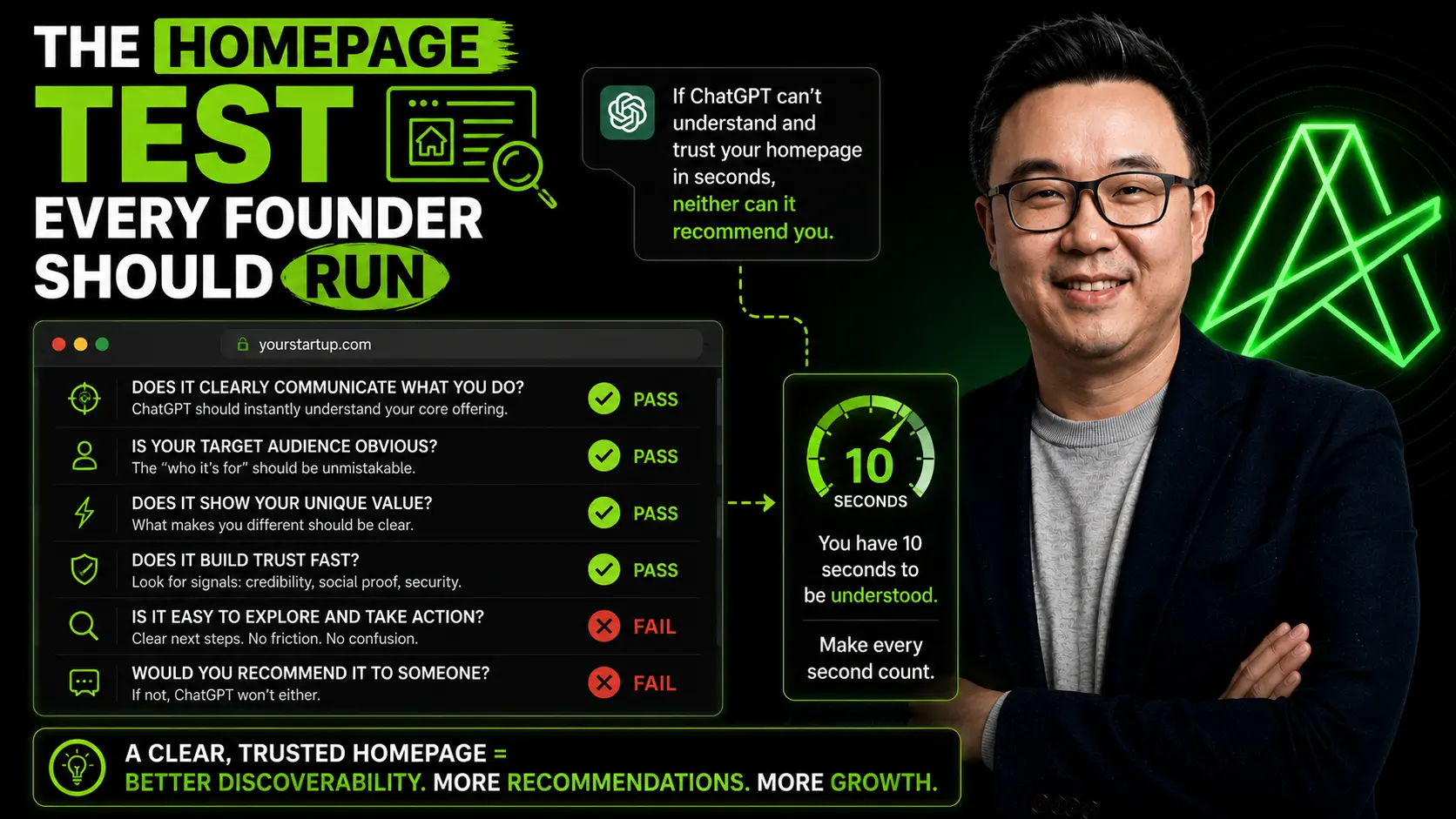
The Homepage Test Every Founder Should Run
A quick, repeatable way to score your homepage the way an AI reads it.
AI Visibility
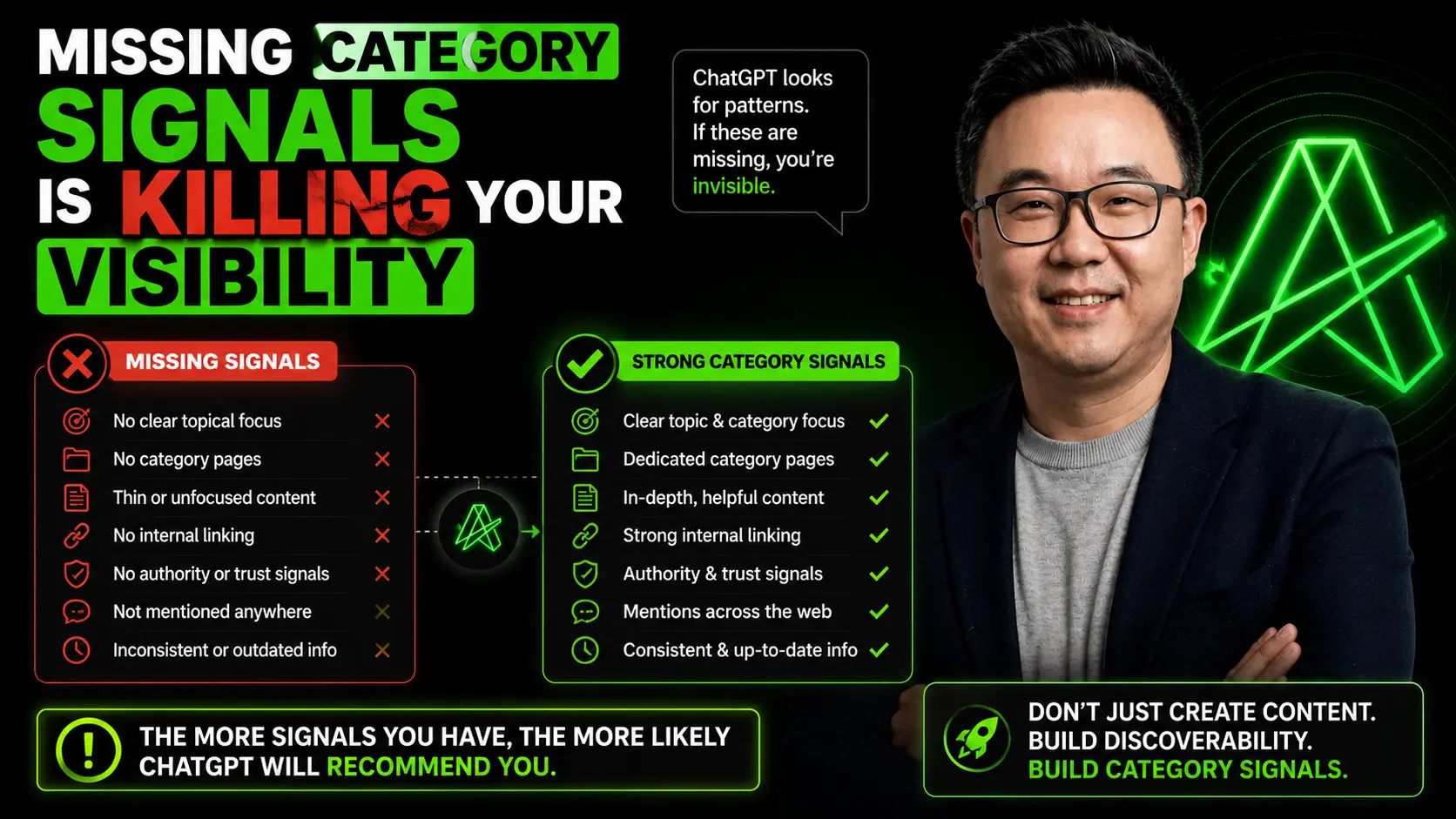
Missing Category Signals Is Killing Your Visibility
If an AI cannot tell what category you are in, it cannot recommend you. Here is how to find and fix the gap.
See why AI recommends competitors instead of you.
AudFlo is an AI Visibility Audit Platform. Run a free scan to get your AI Visibility Score and the exact fixes that help you get recommended.
New here? Read the complete AI Visibility Guide for founders or browse every article on the blog.
About the author
Matt Lin
Architect by training. Property developer by profession. Tech entrepreneur by passion.
Founder of AudFlo, an AI Visibility Audit Platform that helps founders understand why ChatGPT recommends competitors instead of them.